
Report something in under a minute
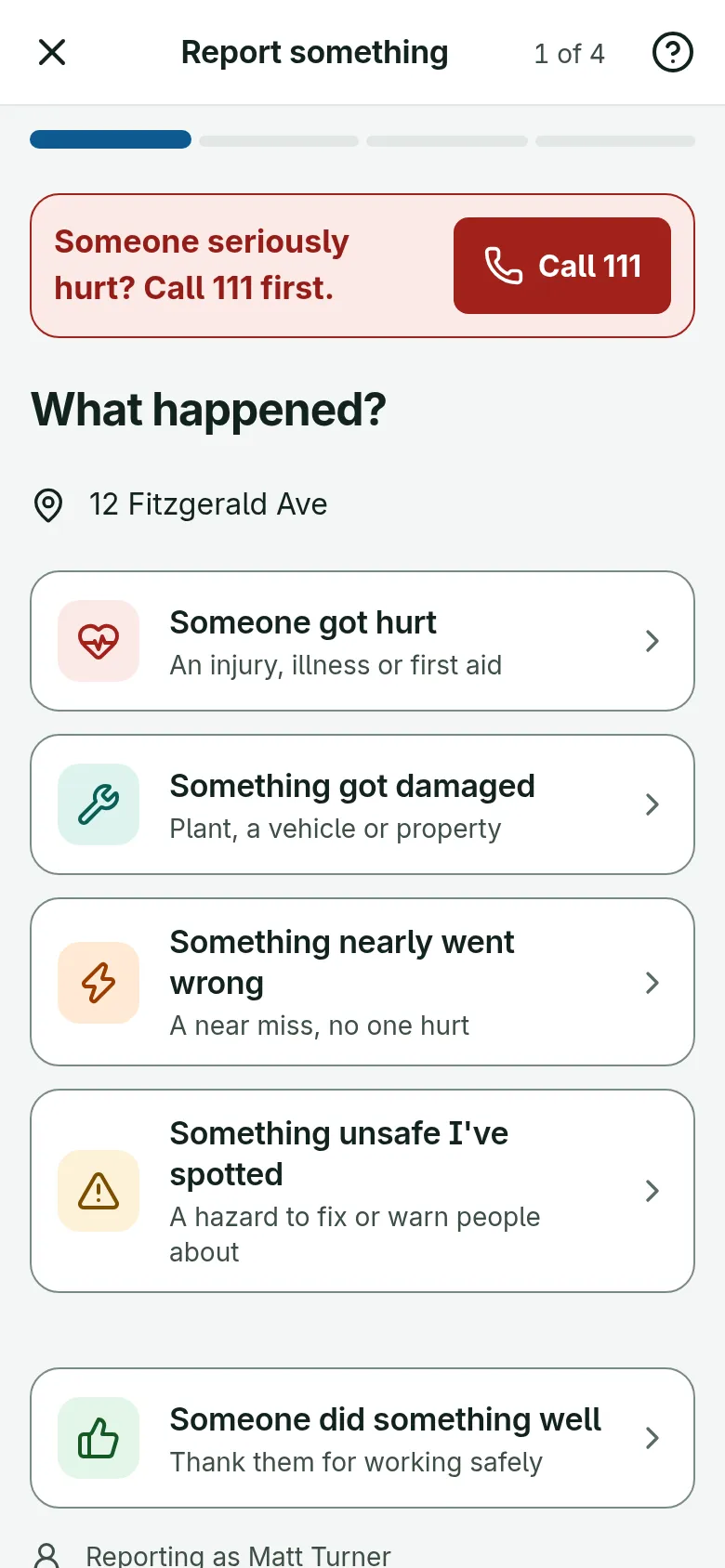
Choose what happened, add a photo straight from the camera and send. If someone is seriously hurt, the app tells you to call 111 first.
Features
Anyone on the crew taps Report, says what happened, adds a photo and sends it in under a minute. The site manager is told straight away, gives it an owner and closes it off. When you flag a report as possibly notifiable, the app walks you through the WorkSafe steps.
Choose what happened, add a photo straight from the camera and send. If someone is seriously hurt, the app tells you to call 111 first.
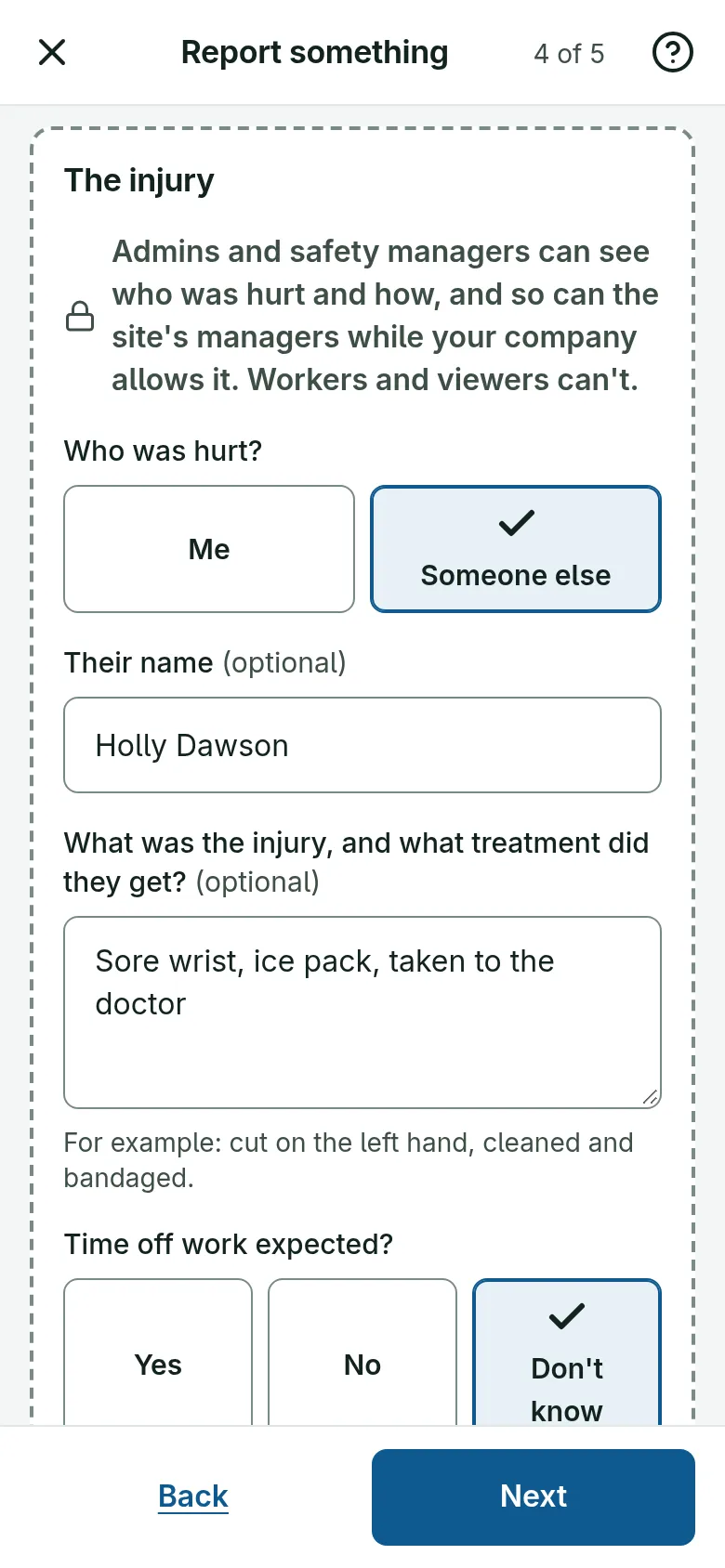
Who was hurt and how is kept to the people who need it: your admins and safety managers, and the site's managers unless you turn that off. Injury details never go into emails, and they are left out of evidence packs.
When you flag a report as possibly notifiable, the app walks you through the WorkSafe steps, ticks each one with who did it and when, and keeps the report at the top of the office's Home screen until the decision is recorded.
You decide whether it is notifiable, and you tell WorkSafe yourself. Recording it in the app does not tell WorkSafe.
1:15 pm. A report is flagged as possibly notifiable. The WorkSafe steps stay on screen until a decision is recorded.
1:15 pm. A report is flagged as possibly notifiable. The WorkSafe steps stay on screen until a decision is recorded. A person answers Possibly, four WorkSafe steps show and two are ticked, and a banner in the office says a WorkSafe decision is needed.
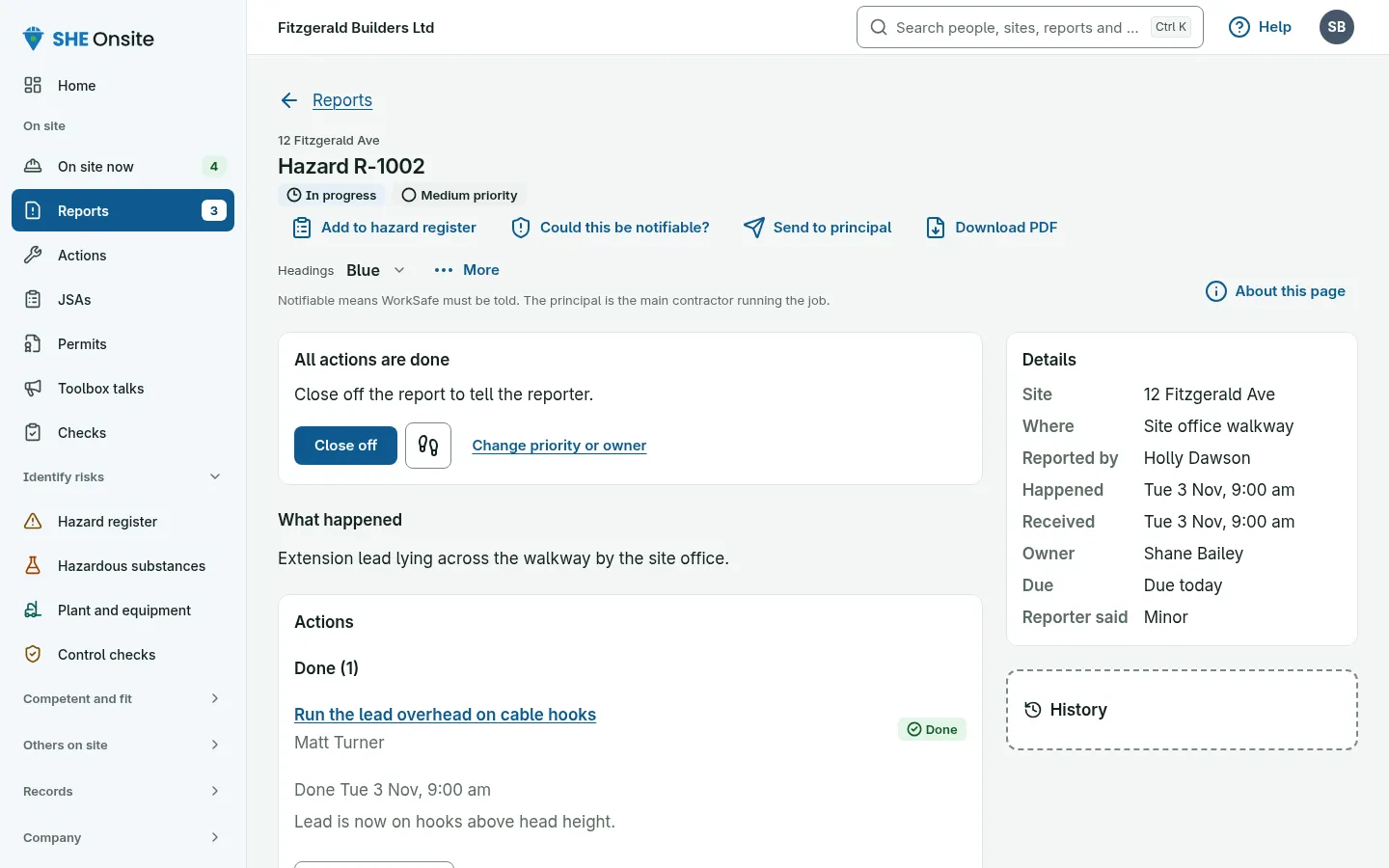
Add actions with an owner and a due date, check the fix, close the report and let the person who reported it know.
Only the H&S team: your admins and safety managers, and the site's managers unless an admin turns that off. A consultant you've given access can open them on a report, and each time they do it's recorded in the report's history and your access log. Injury details never go into emails.
Yes. Tap Send report anyway. It saves on your phone and sends when you have signal. If it's an incident that hasn't sent, phone your site manager now.
No. You decide whether it is notifiable, and you tell WorkSafe yourself. Recording it in the app does not tell WorkSafe.
Free reading for New Zealand crews on the same work.
Every feature is in every plan, from NZ$49 a month plus GST.
Your 30-day free trial. No card needed.