
A poster at the gate
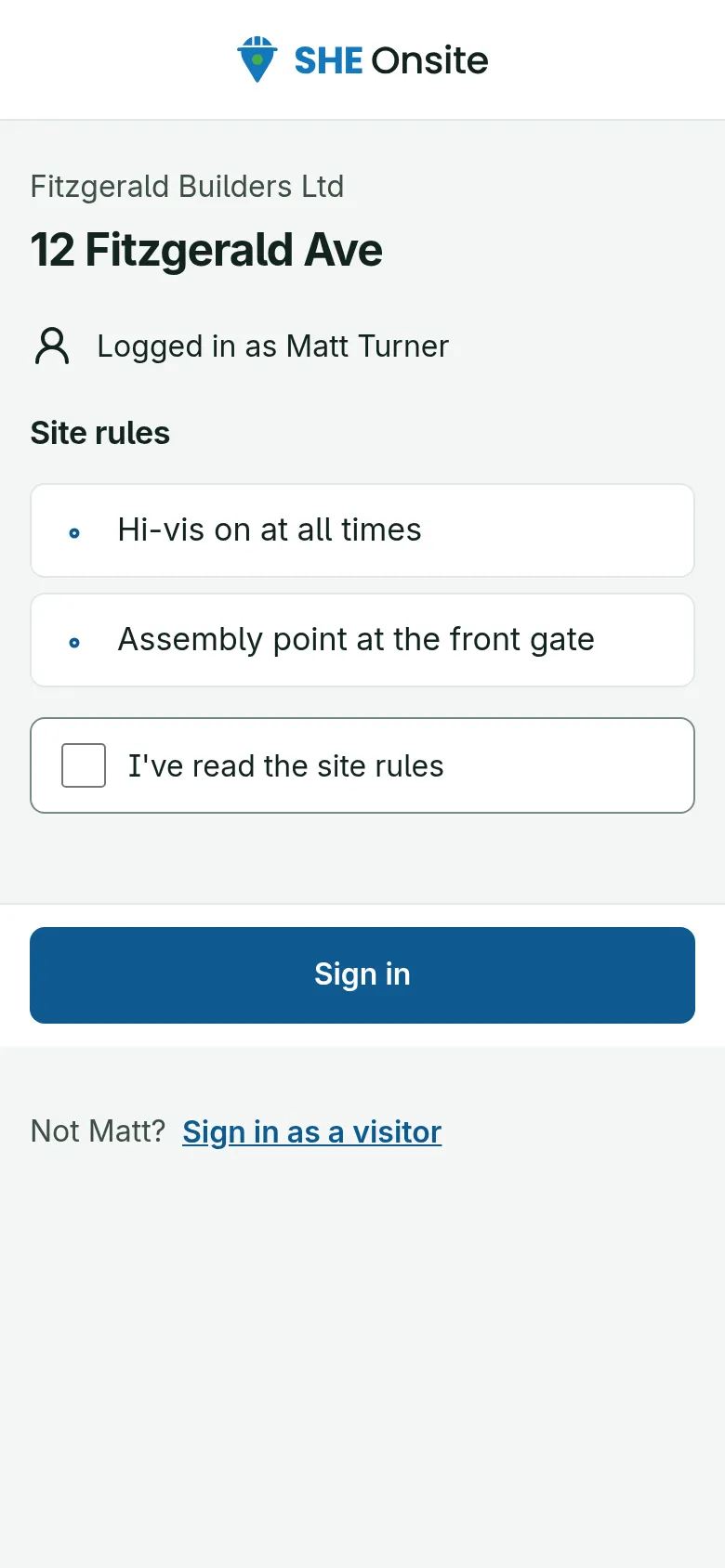
Print each site's poster and put it up where people arrive. Workers scan it with the phone's camera, read the site rules and tap Sign in. At the end of the day they sign out.
Features
Put a QR poster up at the gate. Workers scan it and tap Sign in; visitors type their name, with no app and no account. The office sees who's on site straight away, and in an emergency you run a roll call from that list.
7:00 am at the gate. Scan the poster to sign in. Visitors need no app.
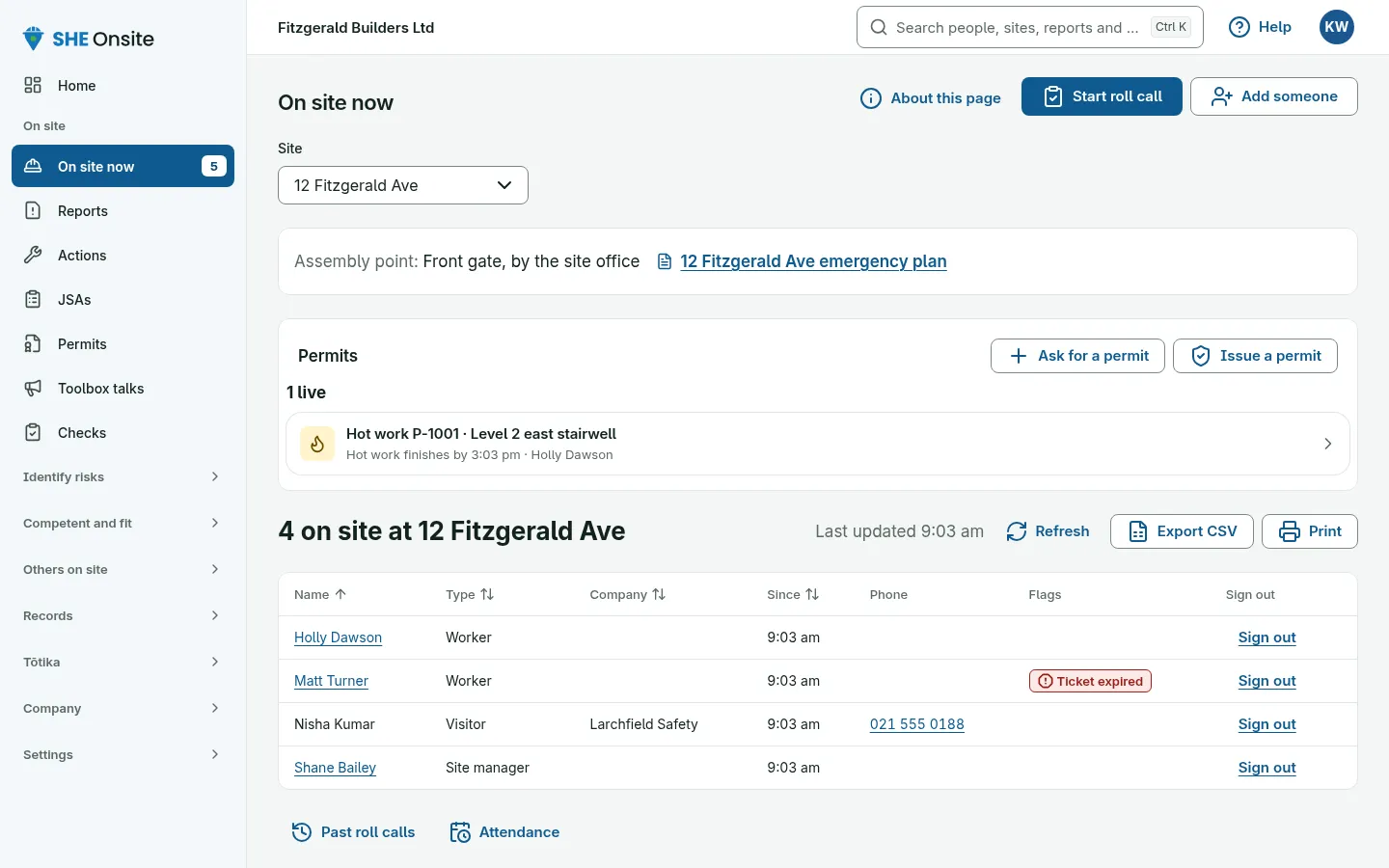
7:00 am at the gate. Scan the poster to sign in. Visitors need no app. A visitor, Sam Ellis, scans the poster at 12 Fitzgerald Ave and signs in on their own phone with their name and company. In the office, the count of people on site goes from 3 to 4.
Print each site's poster and put it up where people arrive. Workers scan it with the phone's camera, read the site rules and tap Sign in. At the end of the day they sign out.
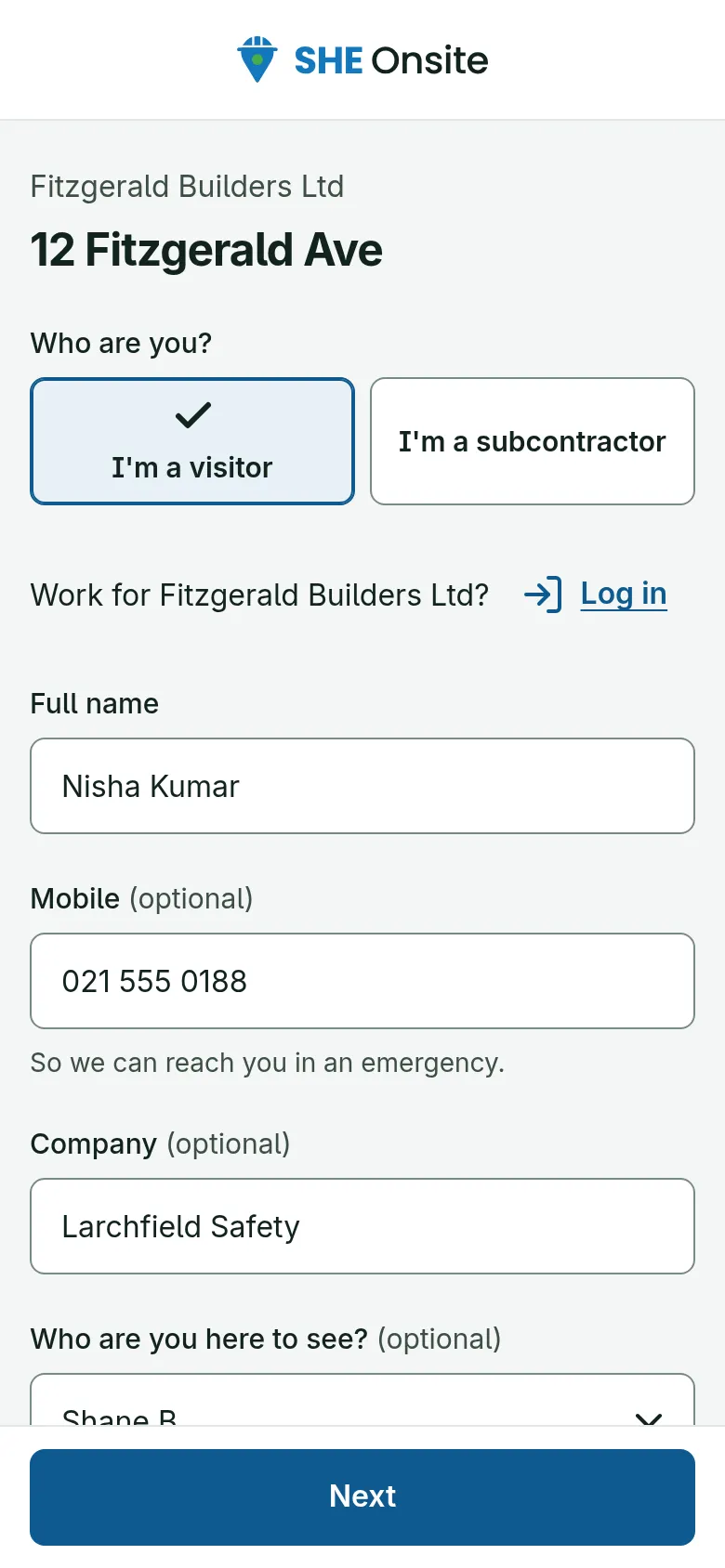
Visitors and a contractor's people without a login scan the same poster and type their name and company. Visitors are free, and so are a contractor's people who sign in at the gate or on the site phone without a login.
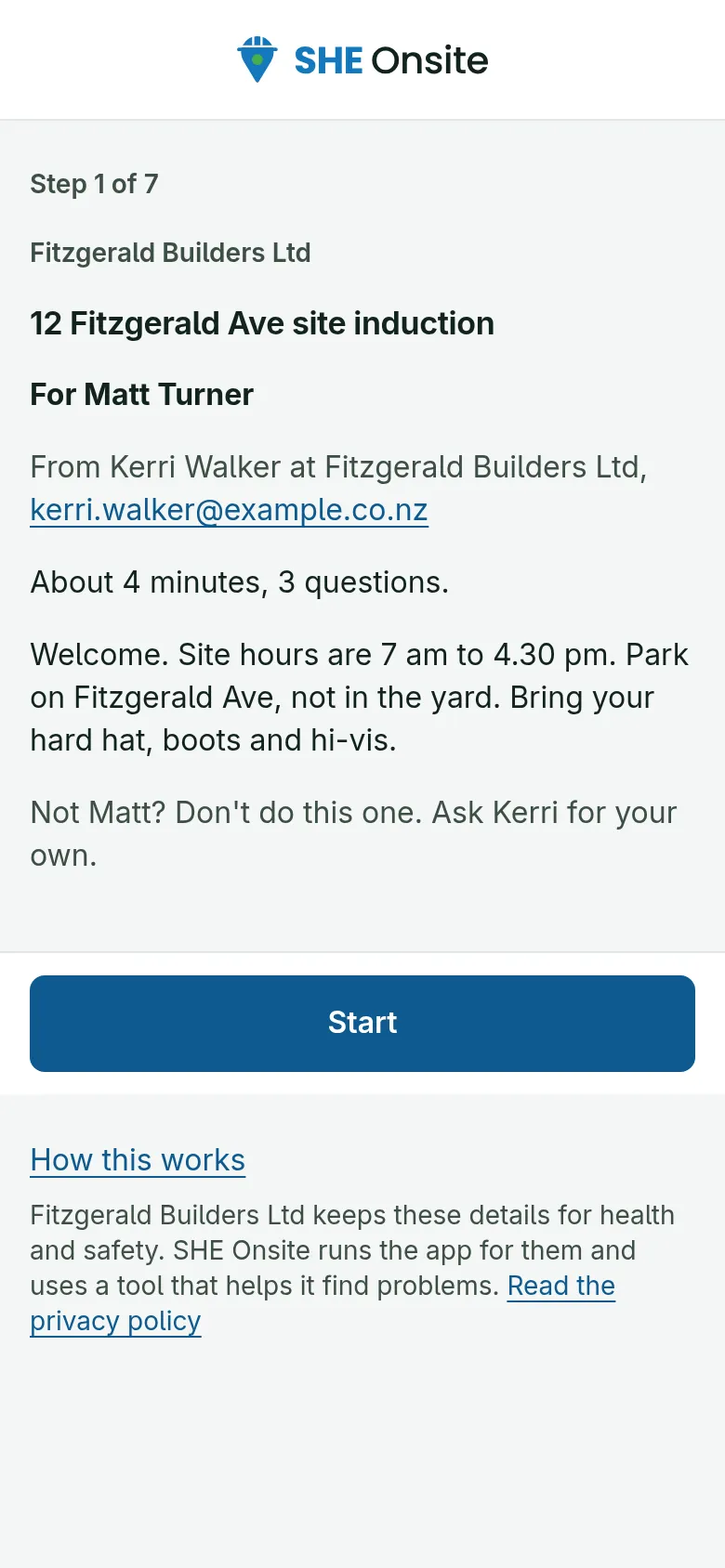
Build a site's induction from its emergency details, key hazards and rules, then add a welcome note, a video link and a few questions. Send it by email or a link, and people do it on their own phone before their first day, with no login. When they finish, it goes on their training record.
See everyone signed in to each site, add someone who forgot, or sign out someone who left without signing out.
Start a roll call from the list of who's signed in and tap each person as they reach the assembly point. It saves on the phone with no signal and sends later. Drills are saved apart from real emergencies.
3:00 pm, a drill. Everyone is accounted for, the office sees it, and the evidence pack is ready.
3:00 pm, a drill. Everyone is accounted for, the office sees it, and the evidence pack is ready. Four names are ticked Safe: 4 of 4 accounted for. The office sees the drill in its past roll calls, and the parts of the evidence pack are ticked.
No. Visitors scan the QR poster with their phone camera and type their name and company. They don't need the app or an account, and visitors are free.
Your crew can still sign in from SHE Onsite on their phone. The sign-in saves on the phone with the time they tapped, and sends when there's signal. A visitor's sign-in needs signal.
Yes, if you turn it on for the site. Visitors and subcontractors who sign in with the QR poster see the plan under the site rules, open it on their phone and tick that they've read it. It's optional: they can sign in without it, and they're asked again next time. Attendance shows who read which revision. Your own crew read and confirm the plan in Documents instead.
Yes. Send them the site's induction by email or a link. They do it on their own phone with no login, and finishing puts a site induction on their training record.
Free reading for New Zealand crews on the same work.
Every feature is in every plan, from NZ$49 a month plus GST.
Your 30-day free trial. No card needed.